

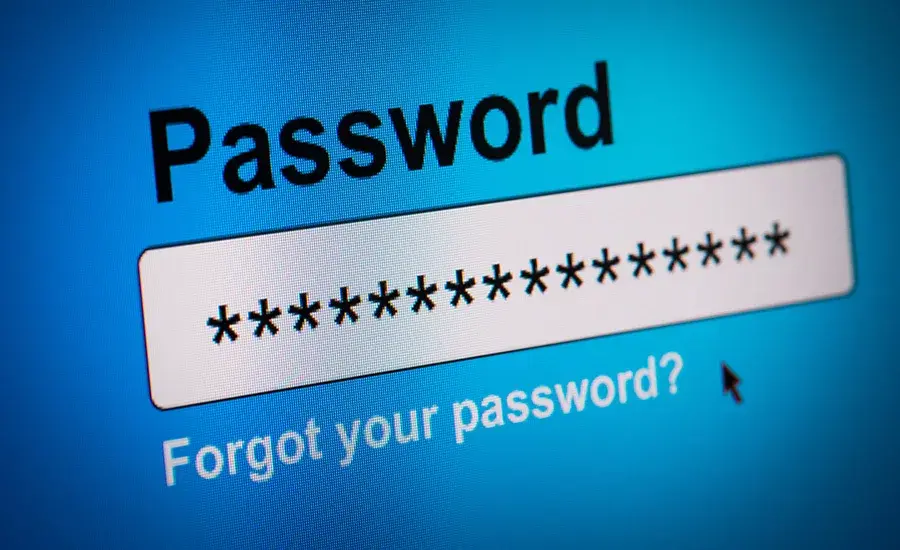
For your new year, let’s start out with some password hygiene and other tips to keep your families, including parents, safe!
Too many people reuse the same passwords over and over… yes, I am talking to you. Yes, you! Please stop! Why? The hacker gets the reused password, or it has been leaked… now said hacker has the reused password to all your sites. Problem? I think so!
But remembering them all is a problem, oh! I will just save them in my browser. WRONG answer. Why? If your browser gets compromised (happens more often than you think) guess what the hacker has? Yep, your passwords.
What do I do?!?!
Great question! Easy answer. Use a password manager. Absolutely the best thing in the world you can do for your family and yourself. We recommend NordPass. (we sell it, by the way) If you have any questions on how it works or any functionalities, please do not hesitate to ask!
Some of the great things it can do are:
- Allow you to store unlimited passwords
- Auto-fill passwords in your browsers
- Multi-platform (use it in iOS and Android)
Enough about passwords for now. I promised other items.
Turn on 2FA/MFA (2-Factor Authentication/Multi-Factor Authentication)
That typically adds a 6-digit code or a fingerprint needed to “authenticate” you along with your password.
Keep all your software and hardware up-to-date!
At Evershield Technologies, we push out updates to our clients to make sure they stay up-to-date with the latest Windows and driver patches. This ensures any security patches that Microsoft releases, our clients have. Be sure to keep your devices up-to-date!
Again, let’s keep ourselves and our families safe this new year!
As always, please feel free to reach out to us if you have any thoughts on this.
Stay Safe Out There!